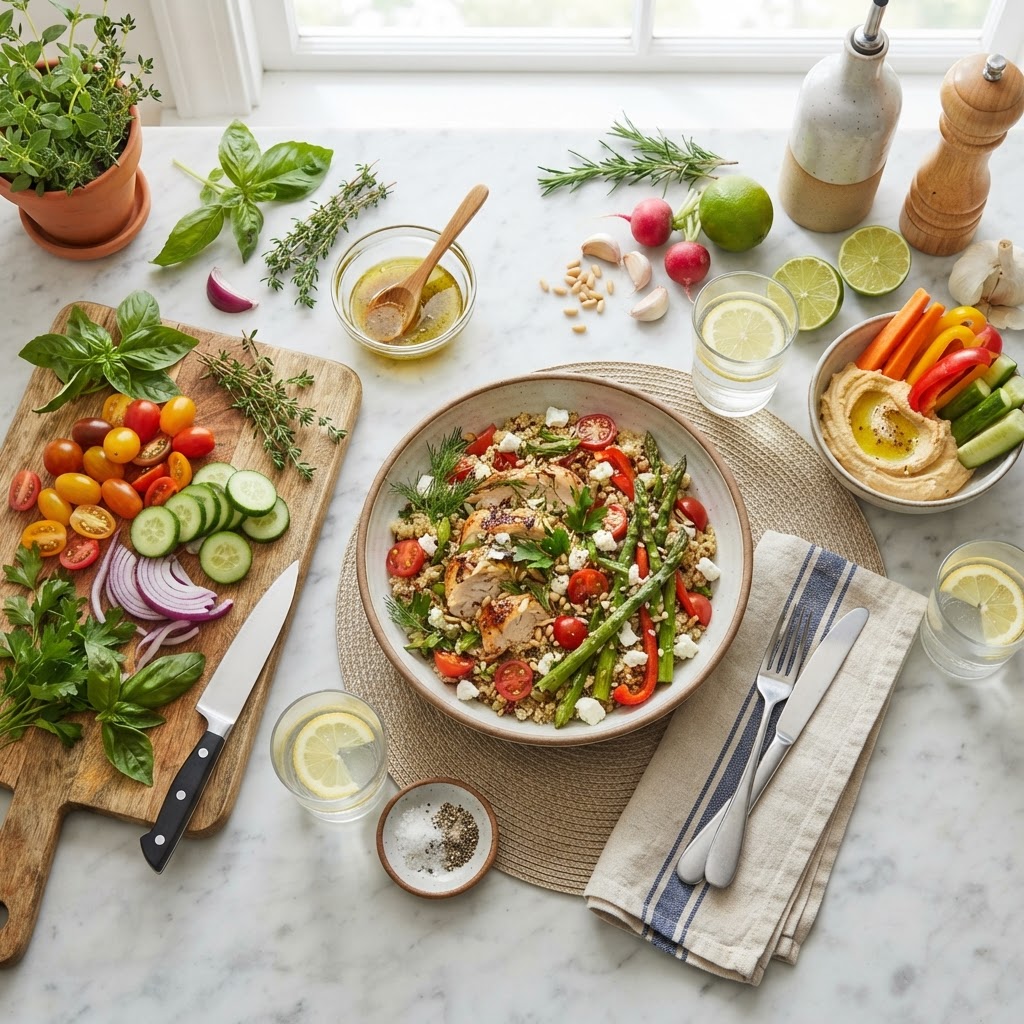
🍽️ STOP SEARCHING.
START COOKING!
Discover, save, and organize your favorite recipes with RubyRecipe.
Save from recipe website links, pasted text or a photo. Some sites block automatic saving — paste the text or use a screenshot instead.
Join thousands of home cooks saving recipes every day.
Explore the app first →Explore our other apps →Help & Feedback →
MEET RUBY RECIPE!
Your Personal Cooking Sidekick!
Hi! I'm Ruby Recipe, your personal kitchen helper! Whether you're looking for tonight's dinner, trying to recreate a family favorite, or wondering what to make with ingredients already in your refrigerator, I'm here to help!
From finding recipes to solving cooking problems, we're going to make every meal a little easier and a lot more delicious!
"Every Great Recipe Starts with Ruby!"
Everything you need to cook smarter
Powerful kitchen tools, all in one app.

Grab Any Recipe
Paste a link, photo, or text and get a clean recipe instantly.
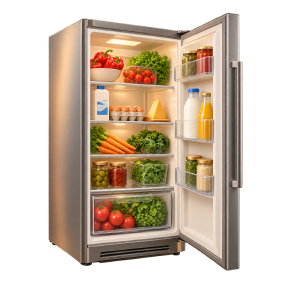
Scan Your Fridge
Snap a photo and it picks out every ingredient you already have.
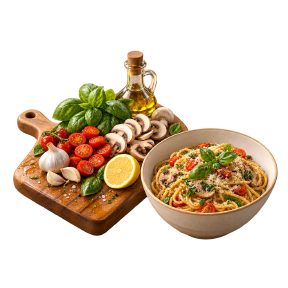
What Can I Make?
Get smart recipe ideas based on your pantry — no more guessing.
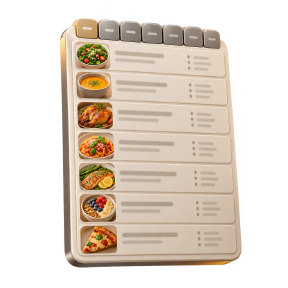
Meal Planner
Weekly meal plans with an auto-generated grocery list, done for you.
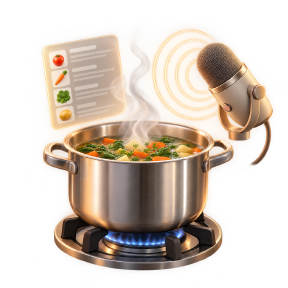
Hands-Free Cooking
Voice-guided cooking mode so your hands stay free to cook.

Cooking Helper
Ask questions and get help while you cook, in real time.
How it works
From link to cookbook in seconds.
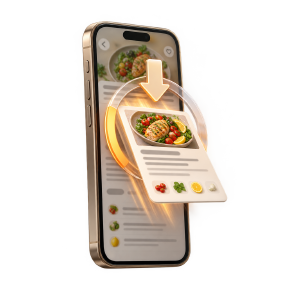
1. Grab a recipe
Paste any recipe link, screenshot, or text.
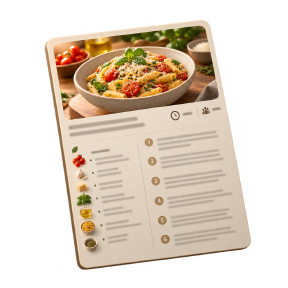
2. It's organized for you
Clean ingredients, steps, and nutrition — automatically.
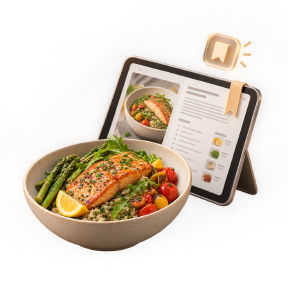
3. Cook & save
Build your personal cookbook and meal plan.
Common questions
What RubyRecipe saves, and what it costs.
What can RubyRecipe save a recipe from?
A website link, recipe text you paste in, a photo or screenshot of a recipe, or a recipe you type in yourself.
Can I scan handwritten recipe cards?
Yes. Photograph the front and back of a handwritten card and the text becomes an editable recipe. The original card photo is kept with the recipe, and anything unclear is flagged for you to check.
Does RubyRecipe organize recipes and plan meals?
Recipes are saved into categories and collections, and the weekly meal planner turns a plan into a grocery list grouped by aisle.
Is there a subscription?
No. Lifetime Access is $3.99 paid once and the optional Pro Kitchen Pack is $1.99 paid once. Nothing renews.
More answers in the Help & FAQ.