
Recipe guides
Six short, practical guides. Each one describes what the app actually does, including where it can and cannot help.

How to save a recipe from a website
Save a recipe from a website into your own cookbook: paste the link, check what was read, and what to do when a site blocks automatic saving.
Read the guide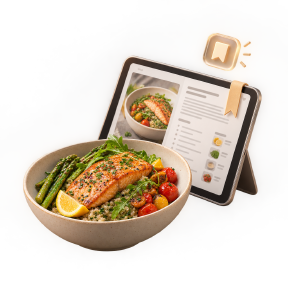
How to digitize handwritten recipes
Turn a handwritten recipe card, a page from a notebook or a photographed cookbook page into a typed recipe you can actually cook from.
Read the guide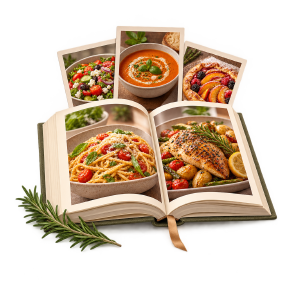
How to organize family recipes
A simple way to organize family recipes so the ones you cook every week are easy to find, and the ones you mean to try stop getting lost.
Read the guide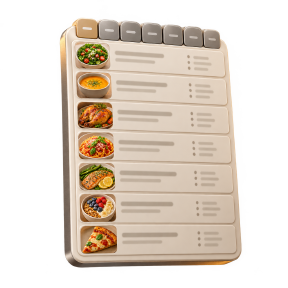
How to create a weekly meal plan
Plan a week of meals from recipes you already saved, set servings per meal, and turn the plan into a grocery list without retyping anything.
Read the guide
How to build a grocery shopping list
Build a grocery list from your meal plan, grouped by aisle, with duplicate ingredients merged only when the units match.
Read the guide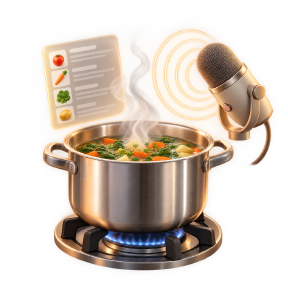
How to cook using step-by-step instructions
Cook from a recipe without losing your place: full-screen steps, built-in timers and hands-free voice control for messy hands.
Read the guide