
How RecipeGrabber AI works
RecipeGrabber AI saves a recipe into your own cookbook, then helps you plan, shop and cook from it. It reads four kinds of recipe, and says plainly when one of them cannot be read.
What you can save
These four routes are what the import screen actually offers.
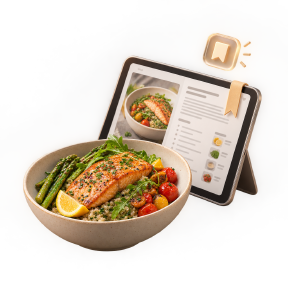
A recipe website link
Paste the address of a recipe page and the app fills in the title, ingredients, directions, times and servings. The source link is kept with the recipe.
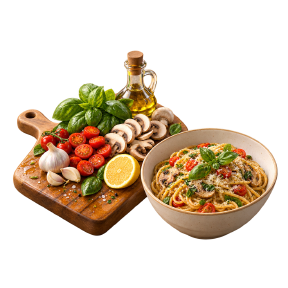
Pasted recipe text
Copy the recipe from a page, a message or a document and paste it in. The app structures it into a proper recipe card.
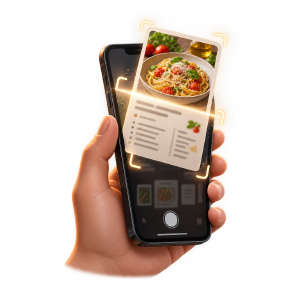
A photo or screenshot
Screenshot a recipe, photograph a handwritten card or a cookbook page, and the app reads the text from the image.
Typed in by hand
Start from a blank recipe and enter the ingredients and steps yourself. Every field stays editable afterwards.
Some websites block automatic saving
Plenty of recipe sites block automated reading, and social media pages such as TikTok, Instagram and Facebook cannot be read automatically at all. When that happens you are not stuck and nothing is broken: use pasted text or a photo / screenshot of the recipe instead. Both produce the same recipe card.
Supported
- Recipe website links
- Pasted recipe text
- Screenshots and photos of recipes
- Manual recipe entry
Not supported
- TikTok, Instagram and Facebook links
- Video and Shorts importing
- Bulk importing a whole website
From link to dinner
Give the app the recipe
A link, pasted text or a photo of the recipe.
Check the card
Ingredients, directions and times appear in one clean recipe. Fix anything that came across wrong.
Plan the week
Drop recipes into the meal planner and turn the plan into a grocery list grouped by aisle.
Cook it
Step-by-step cooking mode with timers and hands-free voice control.