
How to create a weekly meal plan
Most meal plans fail because they are written somewhere separate from the recipes. Planning inside your own recipe library means the plan can become a shopping list in one step.
Plan from what you already have
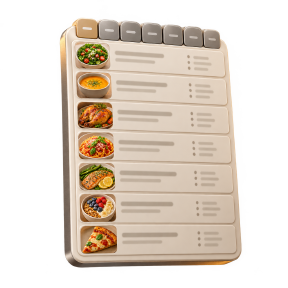
Open the meal planner and fill the week from your saved recipes: seven days, each with breakfast, lunch, dinner and snacks. Because the plan points at real recipes, the ingredients are already known.
Set servings per meal
Each planned meal carries its own serving count, so a recipe written for four can go in as six when people are over, or as two when it is just you. Scaling happens on the plan, not by editing the recipe.
Let the app suggest a week
If the empty grid is the hard part, use the auto-plan suggestion and then move, swap or delete what you do not want. A suggestion you edited is faster than a plan from nothing.
Do not plan seven new recipes
A workable week has two or three new recipes and the rest of the slots filled with things you already cook. Use your favourites and cook history as the base layer, then add one thing to look forward to.
Turn the plan into a list
When the week looks right, generate the grocery list from the plan. Ingredients are combined across the meals, and amounts are only merged when the units genuinely match, so you get one line of flour rather than five.