
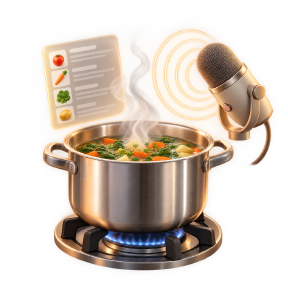
How to cook using step-by-step instructions
The moment your hands are covered in flour, scrolling a long recipe page stops working. Cooking mode shows one step at a time and keeps the timers where you can see them.
Start cooking mode from the recipe
Open the recipe you are making and start cooking mode. The ingredients stay one tap away for a last check, and the directions become single steps on a large, readable screen.
Timers that survive a locked phone
Start a timer for any step that gives you a time. Timers run against the clock rather than the screen, so putting the phone down or locking it does not lose the countdown, and several can run at once when the oven and the pan disagree about timing.
Hands-free stepping
With voice control on, saying next step or back moves through the recipe without touching anything. The app listens for a short list of known commands, so kitchen conversation and the radio do not jump you forward a step by accident.
Ask while you cook
Ruby, the in-app assistant, answers questions about the recipe you have open. Only that recipe is shared for the answer, which means no reading a whole cookbook to find out whether the sauce should be simmering or boiling.
Log the cook afterwards
When you finish, add it to your cook history with a rating and the time it actually took. Next time, the recipe tells you that it took forty minutes rather than the twenty-five the page claimed.